EveryDollar is a popular budgeting app from Ramsey Solutions. It has a free version and a paid Premium version, and the difference matters more than the names suggest.
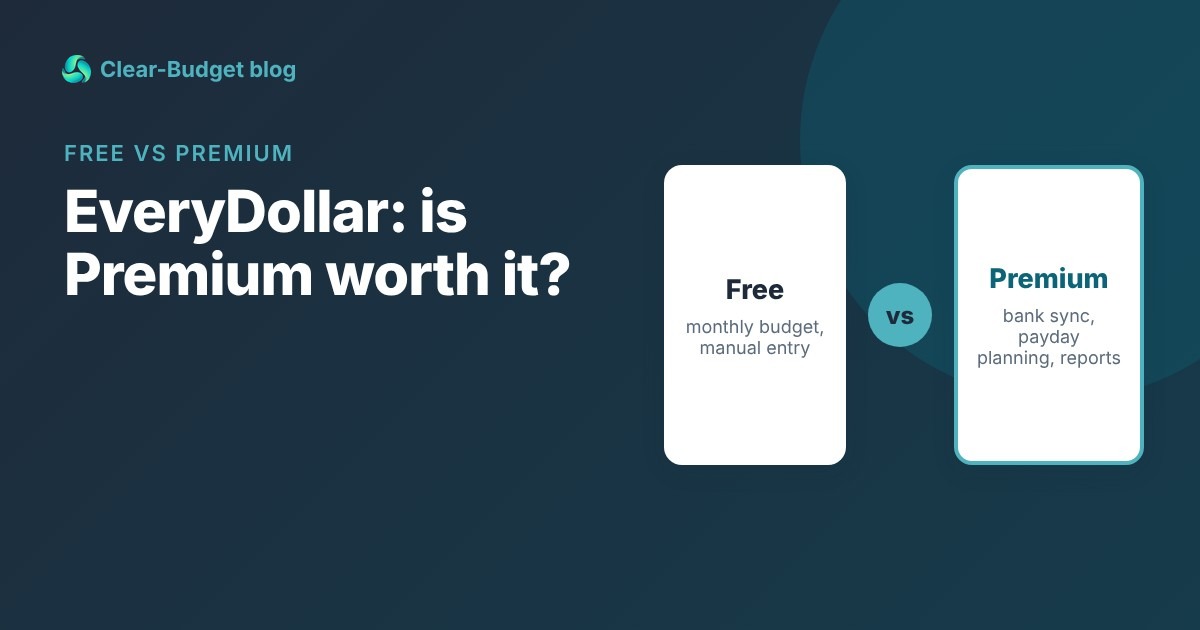
This guide lists what each version includes, based on EveryDollar’s own page. It also covers who should pay for Premium, and a free option if the feature you want is planning around payday.
|
Key takeaways • The free version gives you a full monthly budget, but you enter every transaction by hand. • Premium adds bank connection, payday-based planning, reports, CSV export and coaching. • Premium is listed at $79.99 a year or $17.99 a month (checked October 2026). • If you only want to plan by payday, a free tool can do that part. |
What the free version of EveryDollar includes
The free version is a real budget, not a demo. According to EveryDollar, you can:
• Create a monthly budget.
• Create unlimited budget categories and lines.
• Use it on your computer, phone or tablet.
• Enter and track transactions manually.
• Set up sinking funds.
• Split a transaction across categories.
• Set due dates for bills.
• Get help from a live person.
The main thing missing is automation. Every purchase you want tracked, you type in. If you are new to that habit, how to track your spending has simple methods that make it stick.
What the free version does well
For a free plan, it is generous. Unlimited categories means you are not squeezed into someone else’s idea of a budget.
Sinking funds and bill due dates are both included, and those two features cover a lot of real-life budgeting. You can also reach a live person if you get stuck.
If you are paid once a month and like a simple monthly plan, the free version may be all you ever need.
What EveryDollar Premium adds
Premium includes everything in the free version, plus:
• Connecting your bank so transactions stream in automatically.
• Planning your spending based on payday and bill due dates.
• Custom reports that compare spending over time.
• Exporting your budget data as a CSV file.
• Long-term goals with a "financial roadmap."
• Live Q&A sessions plus group and one-on-one coaching options.
• A projected net worth calculation.

Summarized from EveryDollar’s own feature list. Prices checked October 2026.
Free vs Premium side by side
|
Feature |
Free |
Premium |
|
Monthly budget with unlimited categories |
Yes |
Yes |
|
Phone, tablet and computer |
Yes |
Yes |
|
Manual transaction entry |
Yes |
Yes |
|
Sinking funds and split transactions |
Yes |
Yes |
|
Bill due dates |
Yes |
Yes |
|
Bank connection with automatic transactions |
No |
Yes |
|
Planning by payday and due dates |
No |
Yes |
|
Custom reports and CSV export |
No |
Yes |
|
Financial roadmap goals and net worth projection |
No |
Yes |
|
Live Q&A and coaching options |
No |
Yes |
Source: EveryDollar, checked October 2026.
EveryDollar Premium price
|
Plan |
Listed price |
Cost over 12 months |
|
Free version |
$0 |
$0 |
|
Premium, billed annually |
$79.99 per year ($6.67/month) |
$79.99 |
|
Premium, billed monthly |
$17.99 per month |
$215.88 |
Prices checked October 2026 on EveryDollar’s page. New users get a 14-day free trial. Prices can change, so check before you buy.
Paying monthly costs $135.89 more over a year than paying annually. If you decide Premium is worth it, the annual plan is much cheaper.
Who actually needs Premium?
Premium is worth a look if one of these describes you:
• You won’t enter transactions by hand. Be honest. If manual entry means you stop budgeting by week three, bank connection is the feature you are paying for.
• You want reports. Comparing spending month to month is Premium only.
• You want coaching. Group and one-on-one coaching options are part of Premium.
• You want your data out. CSV export is Premium only.
You probably don’t need Premium if you are happy typing in purchases, or if you mostly check a few bills and a grocery number each week.
The payday problem with a monthly budget
The free version builds a monthly budget. That works well if you are paid once a month.
If you are paid every two weeks, a monthly budget can look balanced while the first half of the month runs short. Planning around payday and due dates is one of Premium’s listed features.
Worked example: Dan’s month
Dan takes home $1,600 every two weeks. In September he is paid on the 9th and the 23rd, and his next payday is October 7. His rent of $1,150 is due on the 1st, and his car payment of $280 is due on the 5th.
|
|
Monthly view |
Payday view |
|
Income |
$3,200 for September |
$1,600 on Sep 23 must last until Oct 6 |
|
Rent + car payment (Oct 1 and Oct 5) |
$1,430 of $3,200 |
$1,430 of $1,600 |
|
Left for groceries and gas |
Looks like plenty |
$170 for two weeks |
On a monthly budget, Dan looks fine. On a payday view, he can see that the paycheck on September 23 has to cover rent, his car payment and two weeks of groceries.
That is exactly the kind of planning budgeting by paycheck is built for.
A free alternative for payday planning
If payday planning is the main reason you are eyeing Premium, you have free options.
• The free [paycheck budget calculator](https://clear-budget.com/tools/paycheck-budget-calculator). Enter your pay and bills, and see what each paycheck needs to cover. No account needed.
• [Clear-Budget](https://clear-budget.com/registration). Free, with no paid tier. You can set a budget to run until your next payday, give each bill a due date, and see the running balance after every item.
• A spreadsheet. List paydays and bills by date, and add a running balance column.
To be fair about the trade-off: Clear-Budget doesn’t connect to your bank, so you still enter items by hand, the same as EveryDollar’s free version. It also doesn’t have coaching or long-term reports. What it adds for free is the payday timeline.
Some people use both: EveryDollar free for the monthly plan, and a paycheck view to check each payday. Our guide to how much you can spend until payday shows the quick math.
How to make the free version work
Manual entry is the part people quit on. A few habits make it much easier.
• Enter purchases the same day. Thirty seconds at the checkout beats thirty minutes on Sunday trying to remember.
• Keep fewer categories. Unlimited lines are tempting, but ten to fifteen are easier to keep up with.
• Use sinking funds for lumpy costs. Car repairs, gifts and annual fees stop being surprises. Our guide to sinking funds shows how to size them.
• Do a weekly check. Compare your budget with your bank balance once a week and fix any gaps while they are small.
• Set due dates on every bill. The free version supports them, so use them.
If you give manual entry a fair month and it still doesn’t stick, that is useful information. It tells you the bank connection is worth paying for.
How to decide in 5 minutes
1. Try the free version for one full month and enter every transaction.
2. If you kept up, stay free. Manual entry is working for you.
3. If you stopped entering transactions, consider the 14-day Premium trial for bank connection.
4. If your problem was running short before payday, try a paycheck view first. It is free.
5. If you buy Premium, pick annual billing to save money.
Whatever you choose, the method matters more than the app. Our zero-based budgeting guide explains the "give every dollar a job" idea many budgets use.
FAQ
Is EveryDollar really free?
Yes. The free version includes a monthly budget, unlimited categories, manual transaction tracking, sinking funds and bill due dates. Bank connection and some planning tools need Premium.
How much is EveryDollar Premium?
EveryDollar lists Premium at $79.99 a year or $17.99 a month, with a 14-day trial for new users (checked October 2026 on its page).
Can I connect my bank on the free version?
No. Connecting your bank and streaming transactions in automatically is a Premium feature.
Is there a free app that plans by payday?
Clear-Budget is free and lets you set a budget from one payday to the next. It doesn’t connect to your bank, so you enter items yourself.
This article is for general information only and is not financial advice.