|
Key takeaways • YNAB costs $14.99 a month or $109 a year after a 34-day free trial. • The YNAB method is free. Any tool that lets you plan every dollar before you spend it can do it. • EveryDollar and Goodbudget have free plans, but bank connection is a paid feature in both. • Clear-Budget is free and plans by due date and payday, but you enter items yourself. |
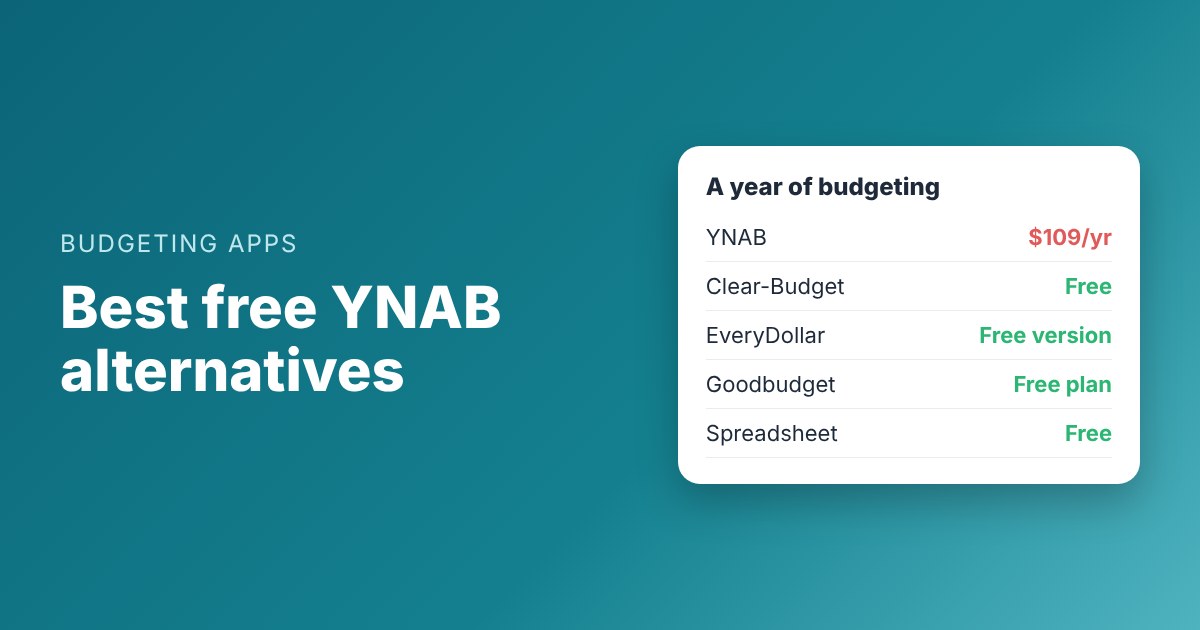
YNAB (You Need A Budget) has some of the most loyal users of any budgeting app. It also costs $14.99 a month or $109 a year, after a 34-day free trial, according to YNAB's pricing page.
If that price is the problem, the good news is that YNAB's method isn't locked inside YNAB. This guide covers the free alternatives, what each one does well, and what you give up compared with YNAB.
Why people look for a YNAB alternative
Most people who leave YNAB give one of three reasons.
• The price. $109 a year is real money, especially when you're budgeting because money is tight.
• The learning curve. YNAB asks you to budget only money you already have. Many people love it once it clicks, but it can take weeks.
• Bank sync trouble. YNAB connects to your bank, and when a connection breaks, your budget falls behind until you fix it.
Before you switch, it helps to know what you liked about YNAB. If it was the habit of planning every dollar, you can keep that for free. If it was automatic bank imports, most free plans won't give you that.
The free options at a glance

What each free option includes. Prices from each company's own pages, checked October and November 2026.
|
Option |
Cost |
Bank connection |
Biggest limit |
|
YNAB |
$14.99/mo or $109/yr after a 34-day trial |
Yes |
Not free after the trial |
|
Clear-Budget |
Free; optional Premium |
No, manual entry |
You type items in yourself |
|
EveryDollar |
Free version; Premium $79.99/yr or $17.99/mo |
Premium only |
Free version plans by month, not by payday |
|
Goodbudget |
Free plan; Premium $80/yr or $10/mo |
Premium only (US banks) |
20 envelopes and 1 account on the free plan |
|
Spreadsheet |
Free |
No |
You build and maintain it |
Prices can change. Check each company's page before you sign up.
1. Clear-Budget (our app, so judge us harder)
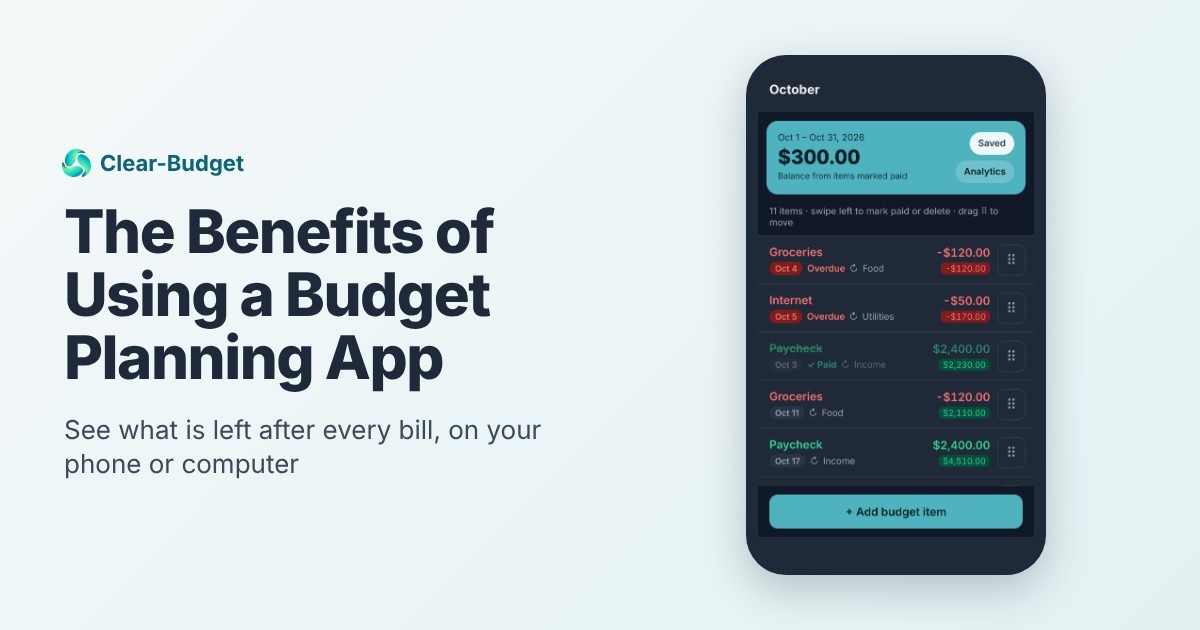
Clear-Budget is free. You build a budget over any dates you like, such as a month or the two weeks until your next paycheck. Every item has a due date, and a running balance shows where you stand after each one.
At the top, a Safe to spend number shows what you can spend before the end of the budget, and it tells you the day your balance will be lowest. Paychecks and bills can repeat weekly, every two weeks or monthly, so you enter them once.

Maya's December budget in Clear-Budget: two paychecks, every bill on its due date, and a running balance after each one.
How it compares with YNAB
• Same idea, different shape. YNAB assigns money to categories. Clear-Budget assigns money to dated items, so you see which paycheck pays which bill.
• No bank connection. That's a privacy choice, but it means a few minutes of typing each week. Premium can turn a downloaded bank statement file into a budget, still without your bank login.
• Sharing costs extra. Shared budgets are part of Premium. The person you invite doesn't need Premium.
Best for: people paid weekly or every two weeks who want to plan payday to payday. Our YNAB vs Clear-Budget comparison goes deeper on the two methods.
2. EveryDollar (free version)
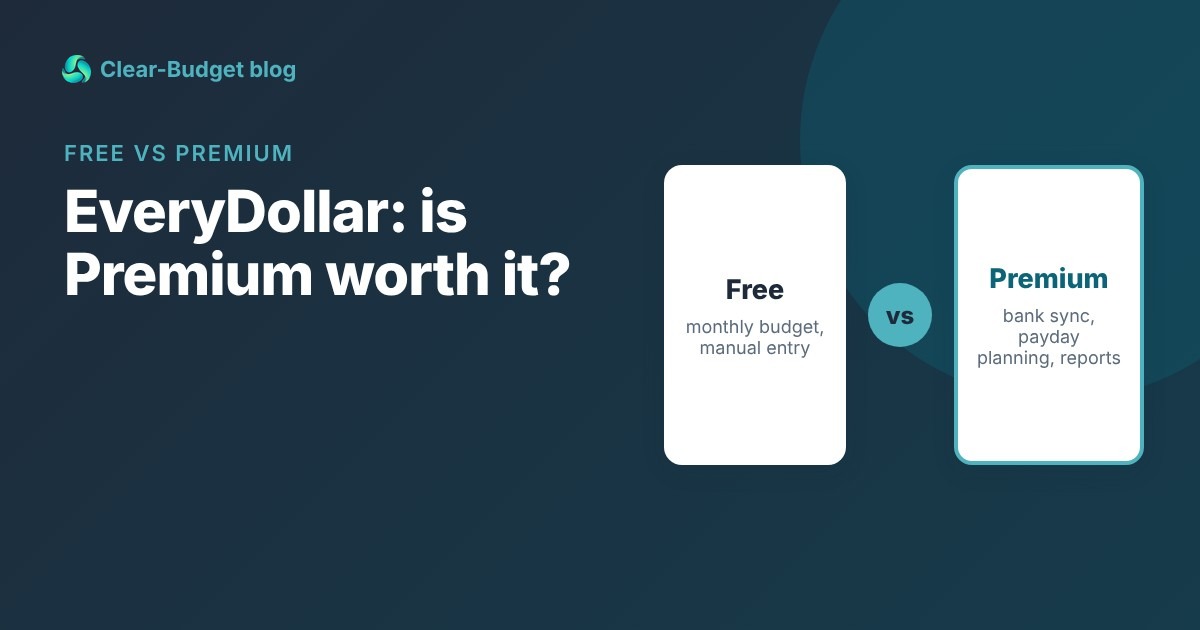
EveryDollar is built around zero-based budgeting, the same "every dollar gets a job" idea YNAB uses. The free version gives you a monthly budget with unlimited categories, manual transactions, sinking funds and bill due dates.
Bank connection is a Premium feature, along with planning around payday, reports and CSV export. Premium is $79.99 a year or $17.99 a month. We break down the details in EveryDollar free vs Premium.
Best for: people who like a classic monthly budget and don't mind entering spending by hand.
3. Goodbudget (free plan)
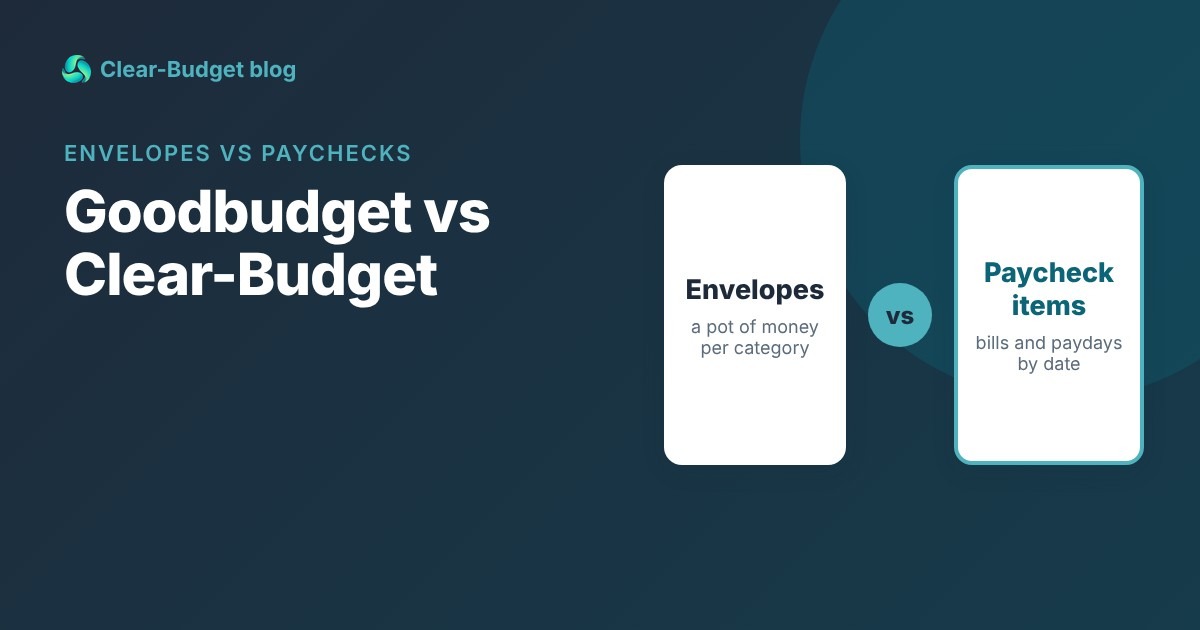
Goodbudget uses digital envelopes. You fill each envelope when you're paid and spend from it until it's empty. That's close to how YNAB feels day to day.
The free plan includes 20 envelopes, one account, two devices and a year of history. Premium is $10 a month or $80 a year and adds bank sync for US banks and unlimited envelopes. See Goodbudget vs Clear-Budget for a side-by-side.
Best for: envelope fans, and couples who want to share a budget across two phones for free.
4. A spreadsheet
A spreadsheet can do everything YNAB's method needs: list your money, assign it, and subtract as you spend. It costs nothing and you control every column.
The catch is upkeep. Formulas break, phones make spreadsheets awkward, and nothing reminds you a bill is due. It works best for people who already enjoy spreadsheets.
Worked example: Maya's first month without YNAB
Maya takes home $1,850 every two weeks. She paid for YNAB for a year and liked it, but she wanted to cut $109 from her spending. Here's her December in Clear-Budget, with each bill placed on the paycheck that arrives before it.
|
Date |
Item |
Amount |
Balance after |
|
Dec 4 |
Paycheck |
+$1,850 |
$1,850 |
|
Dec 5 |
Rent |
-$1,100 |
$750 |
|
Dec 6 |
Groceries |
-$150 |
$600 |
|
Dec 9 |
Phone |
-$65 |
$535 |
|
Dec 12 |
Car insurance |
-$118 |
$417 |
|
Dec 13 |
Gas |
-$45 |
$372 |
|
Dec 18 |
Paycheck |
+$1,850 |
$2,222 |
|
Dec 18 |
Emergency fund |
-$100 |
$2,122 |
|
Dec 20 |
Electric and groceries |
-$242 |
$1,880 |
|
Dec 22 |
Credit card |
-$200 |
$1,680 |
|
Dec 24 |
Streaming |
-$15.99 |
$1,664.01 |
Maya's lowest point is $372 on Dec 13, so she knows how much room she has before her second paycheck.
What Maya lost: automatic imports. She now spends about ten minutes on Sunday entering what she spent. What she kept: a plan for every dollar, and a clear view of her tightest day.
How to choose
Ask yourself one question: what would make you quit? Then pick the tool that removes that risk.
• If typing in spending would make you quit, you need bank sync. Stay with YNAB or pay for EveryDollar or Goodbudget Premium.
• If running short before payday is your problem, pick a tool that plans by date. That's what Clear-Budget is built for.
• If you love envelopes, try Goodbudget's free plan first.
• If you want total control, use a spreadsheet.
Whatever you choose, keep the habit that made YNAB work: plan your money before it's spent. Our guide to zero-based budgeting covers the method on its own, without any app.
One more tip: give your new tool a full month before you judge it. The first two weeks always feel slower than the app you knew, and that's normal. Our guide on how to track your spending has a 15-minute weekly routine that works with any tool.
Moving your budget out of YNAB
1. Write down your categories and monthly amounts before your subscription ends.
2. List your bills with their due dates. YNAB tracks categories, so due dates may not be in it.
3. Add your paydays, then put each bill on the last paycheck before it's due.
4. Start your new budget on your next payday, not mid-week.
If you want to try the payday approach first, our free paycheck budget calculator does it in a few minutes, no sign-up needed. Or create a free Clear-Budget account and use the guided tour.
FAQ
Is there a free version of YNAB?
No. YNAB offers a 34-day free trial, and its pricing page says college students can get a free 365-day trial. After that it's $14.99 a month or $109 a year.
What is the closest free app to YNAB?
For the envelope feel, Goodbudget's free plan. For zero-based monthly budgeting, EveryDollar's free version. For planning by payday, Clear-Budget.
Can I use the YNAB method without YNAB?
Yes. The method is to budget only money you have and give every dollar a job. You can do that in any app or a spreadsheet.
Do free YNAB alternatives connect to my bank?
Usually not. EveryDollar and Goodbudget keep bank connection for paid plans, and Clear-Budget never asks for your bank login.
This article is for general information only and is not financial advice.